


Ergonomic monitor arms and mounts for single, dual, and quad-screen setups, desk clamp, grommet, pole, or drafting table mount, up to 44 lbs capacity.


No products match your selected filters. to see all products.
-

$119.00Unit price /Unavailable -
$169.00Unit price /Unavailable -
-
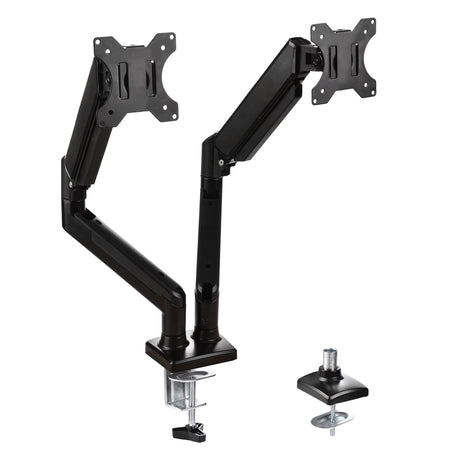
![MotionArc™ Monitor Arm – Dual]()
-

$89.00Unit price /Unavailable -

$149.00Unit price /Unavailable -
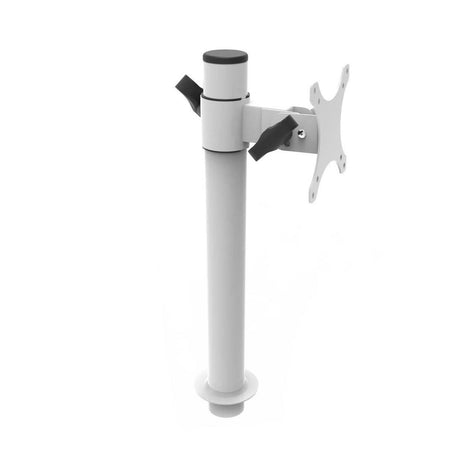
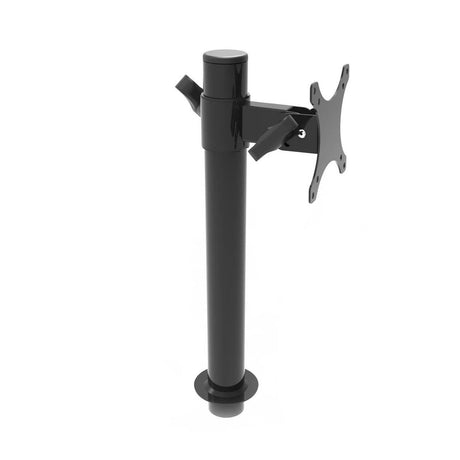
![Black Single Monitor Arm Mount | Side View]()
-
![Black Dual Spider Arm Monitor Mount]()
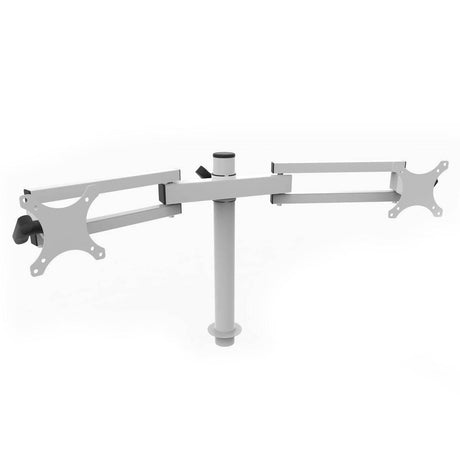
![White Dual Spider Arm Monitor Mount]()
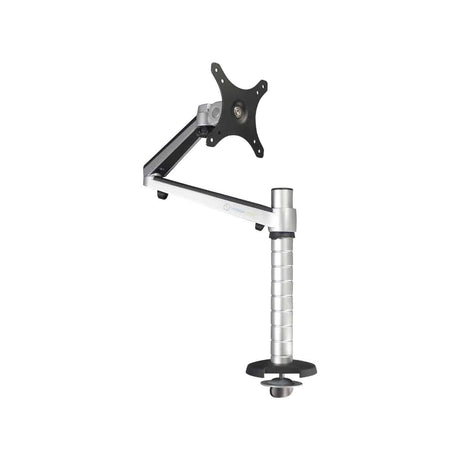
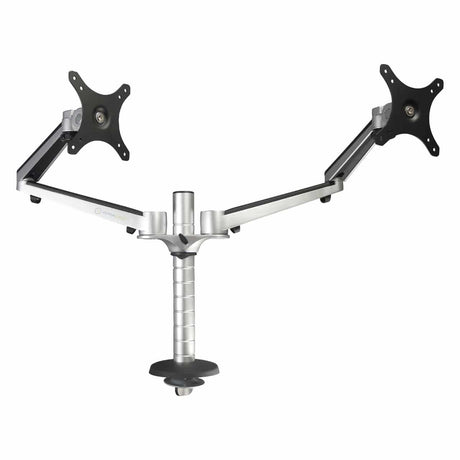
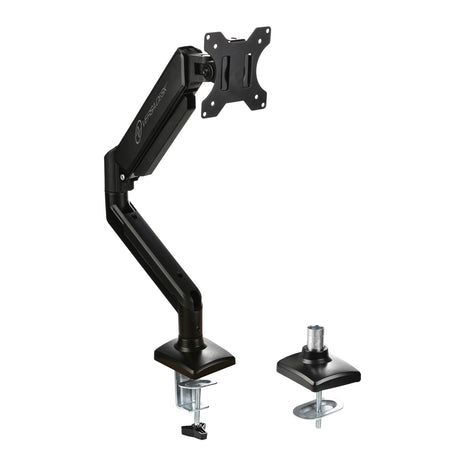
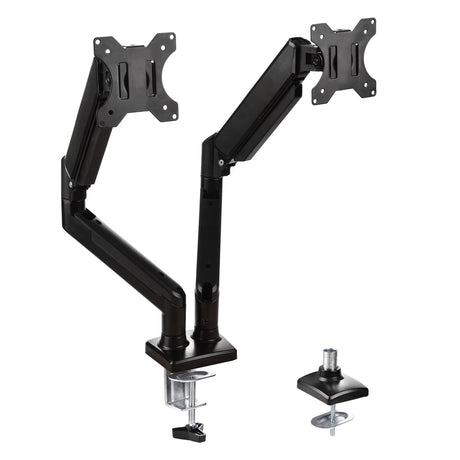




VersaDesk offers it all
Pay Over Time
Affirm & PayPal financing options available to fit your budget perfectly.
Free & Fast Shipping
Orders ship the same business day if ordered before 3 p.m. Central.
30-Day Free Returns
If you aren't satisfied, we'll refund your full purchase with no hidden fees.
15-Year Warranty
100% of standing desks and all accessories are covered for 15 years.
Find the Right Monitor Arm or Mount for Your Setup
A good monitor mount changes how your whole workday feels. By letting you position your screen at eye level, at the right distance, and with a neutral neck and shoulder position, the right arm can:
- Reduce neck, shoulder, and back strain
- Cut down on eye fatigue from screens sitting too low, high, or far away
- Free up desk space by lifting your monitor off its factory base
- Support a healthier, more neutral posture through the day
- Work with standing desks, moving with you as you shift position
Choosing an Adjustment Style
Gas Spring
Smooth, fingertip height adjustment with no notches or cranking; best if you reposition often (e.g., MotionArc™ series).
Mechanical Spring
A sturdier, tensioned lift built for heavier displays (e.g., Versa Monitor Arm, Heavy Duty Monitor Arm).
Manual / Pole Mounted
Fixed height notches for quick, no-fuss adjustment (e.g., OmniView Monitor Arm).
Frame Sliding Rail
Built for drafting tables, combining a sliding rail with mechanical swivel (e.g., Triad series).
Mounting Style
Desktop C-Clamp: attaches to the edge of your desk, no drilling required.
Desktop Grommet: mounts through a hole in your desk for a cleaner look.
Vertical Pole Mount: attaches to a freestanding pole, common for multi-monitor spider arms.
Triad Drafting Table Frame: mounts to the back frame of compatible drafting tables.
Frequently Asked Questions
What's the difference between a monitor arm and a monitor mount?
Mount: Mount is the umbrella term for any hardware that holds your monitor off the desk.
Monitor Arm: A monitor arm is a specific type of mount that adjusts height, tilt, swivel, and extension, rather than staying fixed in one position.
All arms are mounts, but not all mounts offer the same range of motion.
Can I put a monitor arm or mount on any desk?
Most arms fit standard desk thicknesses using a C-clamp or grommet mount, while pole-mounted and drafting table arms require a compatible pole or frame. Always check the specific product's clamp range and your desk's edge before buying to make sure it fits.
Do monitor arms give you more desk space?
Yes, lifting your monitor off the desk clears the footprint its factory base would otherwise take up, giving you a cleaner, more usable work surface.
Can you use a monitor arm on a standing desk?
Yes, many models are designed specifically for sit-stand desks, so the arm and monitor adjust together as your desk height changes throughout the day.
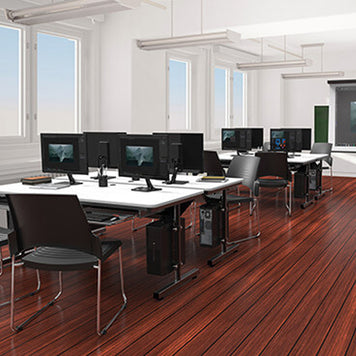
Sit Smarter with VersaDesk Ergonomic Seating
Find the perfect chair to match your workstation. VersaDesk ergonomic seating is designed for all-day comfort, support, and style. From task chairs and executive seating to stools and active sitting options, every design promotes better posture and reduces fatigue. Pair your standing desk with seating that moves with you and keeps energy high. Explore our bestsellers and choose the chair that makes your workspace complete.


